
Add to wishlistAdded to wishlistRemoved from wishlist 0
Add to compare
Related Products
Added to wishlistRemoved from wishlist 0
Add to compare
Added to wishlistRemoved from wishlist 0
Add to compare
Added to wishlistRemoved from wishlist 0
Add to compare
Added to wishlistRemoved from wishlist 0
Add to compare
Added to wishlistRemoved from wishlist 0
Add to compare
Added to wishlistRemoved from wishlist 0
Add to compare
Added to wishlistRemoved from wishlist 0
Add to compare
Added to wishlistRemoved from wishlist 0
Add to compare
Added to wishlistRemoved from wishlist 0
Add to compare
Added to wishlistRemoved from wishlist 0
Add to compare
Added to wishlistRemoved from wishlist 0
Add to compare
Added to wishlistRemoved from wishlist 0
Add to compare
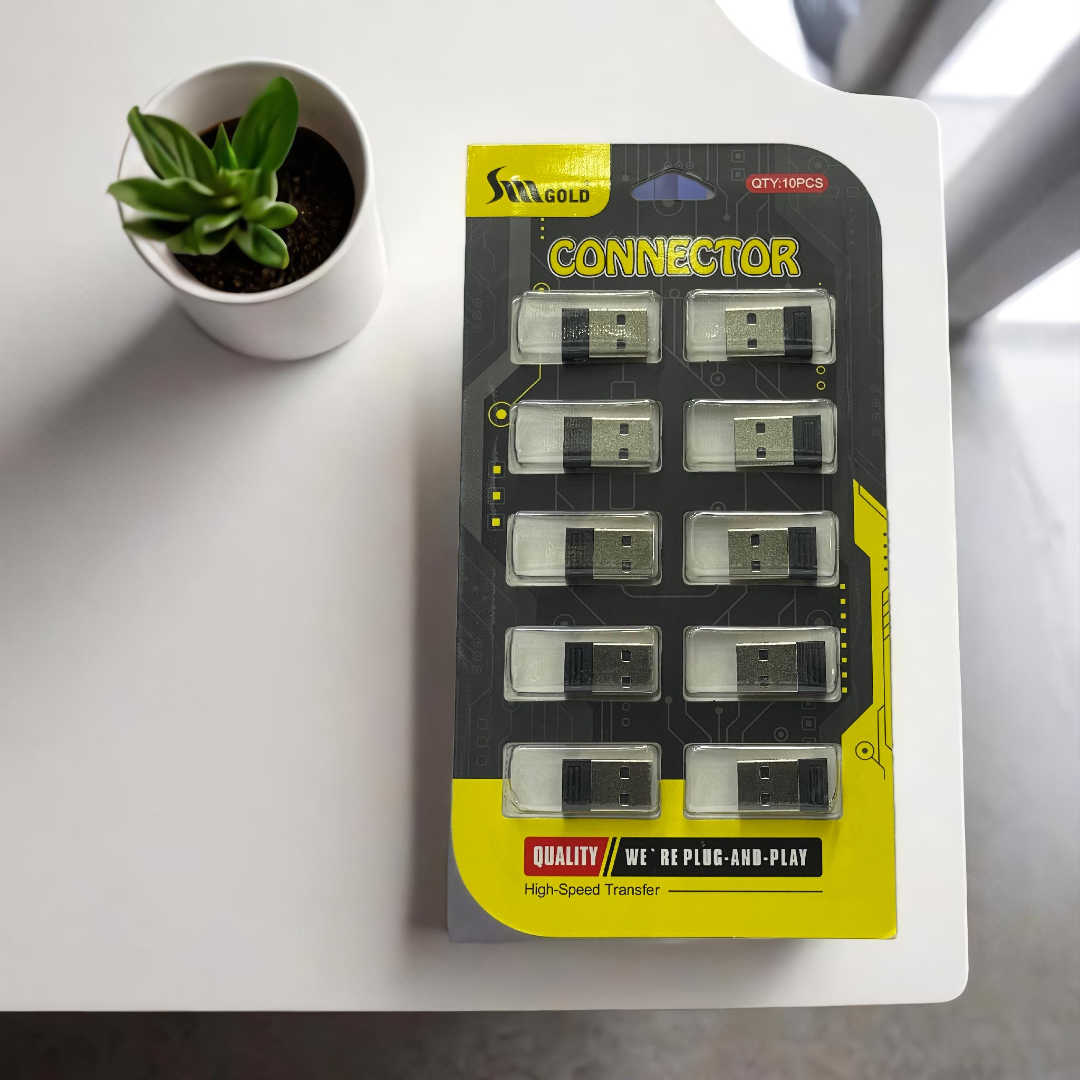
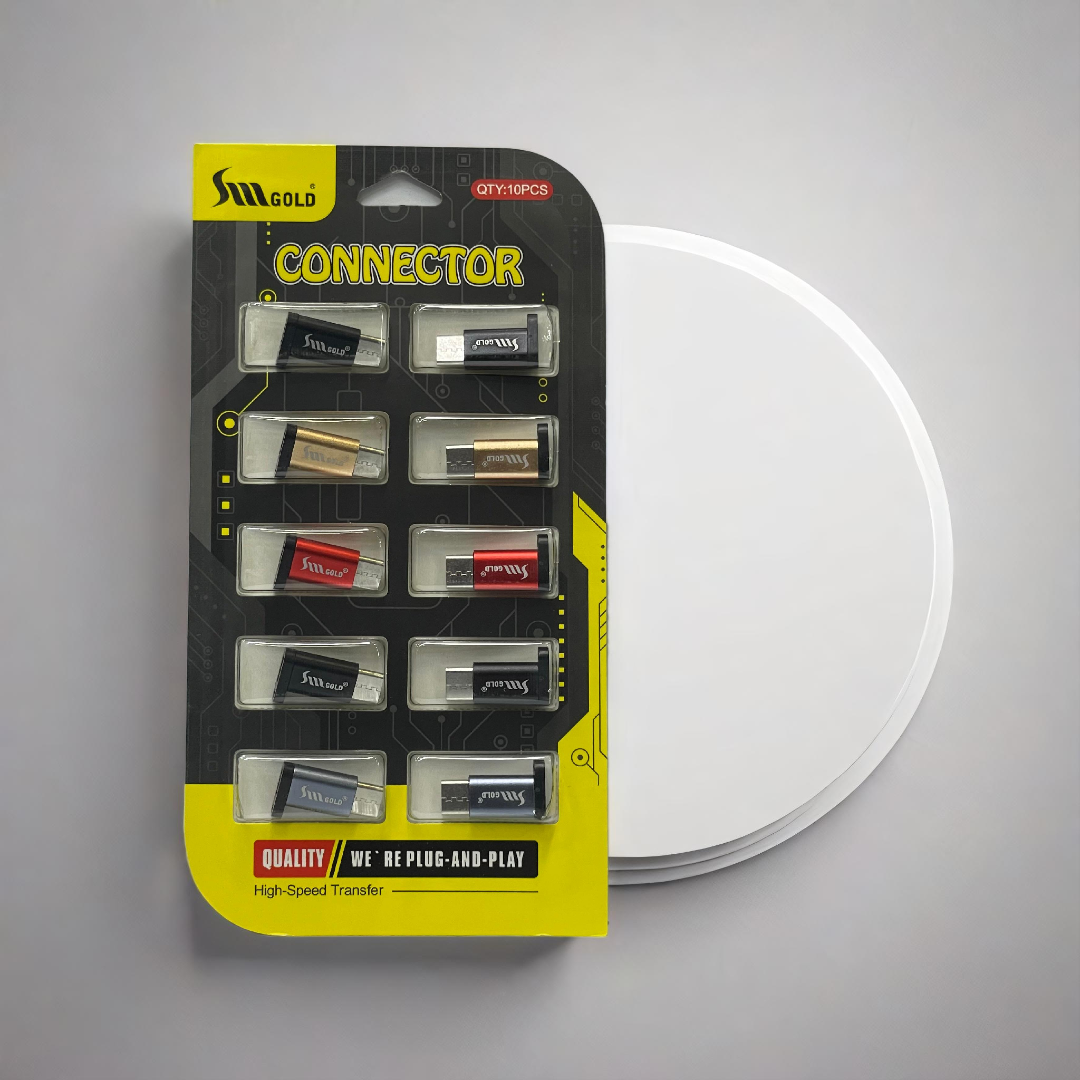
Spread the love How to Use:1. Type-C Side: Insert the Type-C side into your smartphone, laptop, or any device with a Type-C port.2. USB-A Side: Connect your pen drive, keyboard, mouse, or any USB device to the USB-A side.3. Your device will automatically detect it.4. You can now transfer files, use your mouse/keyboard, or even charge devices if supported.Example:If you have a new smartphone with only a Type-C port and want to access data from an old USB-A pen drive, you can use this connector.It also works like an OTG (On-The-Go) adapter for easy connectivity.
madycenter
madycenter.it participates in the Amazon Services LLC Associates Program, which is an affiliate advertising program designed to provide a means for websites to earn advertising fees by advertising and linking to amazon.de
Product categories
Enable registration in settings - general
Compare items
- Total (0)
Compare
0
